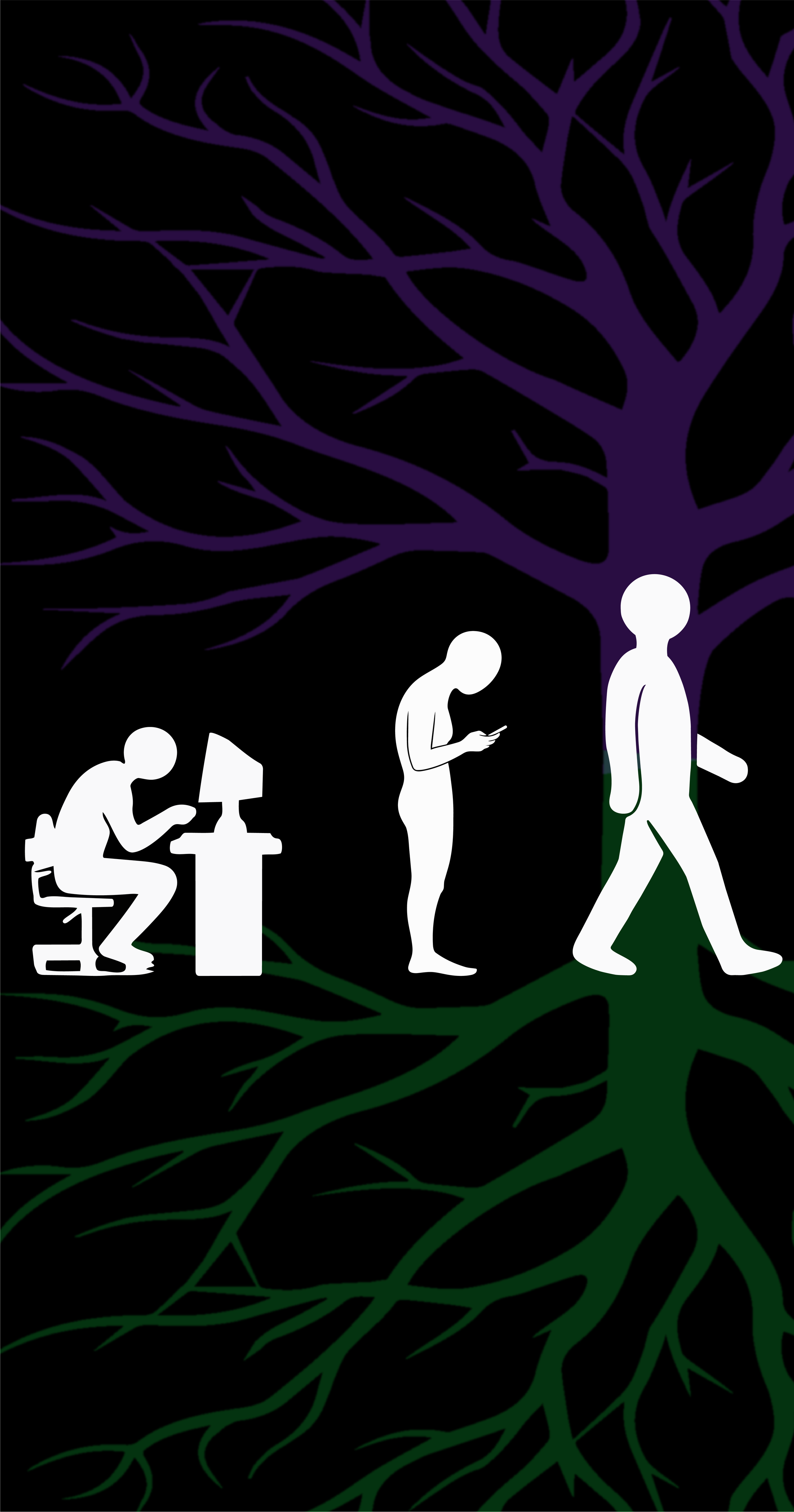
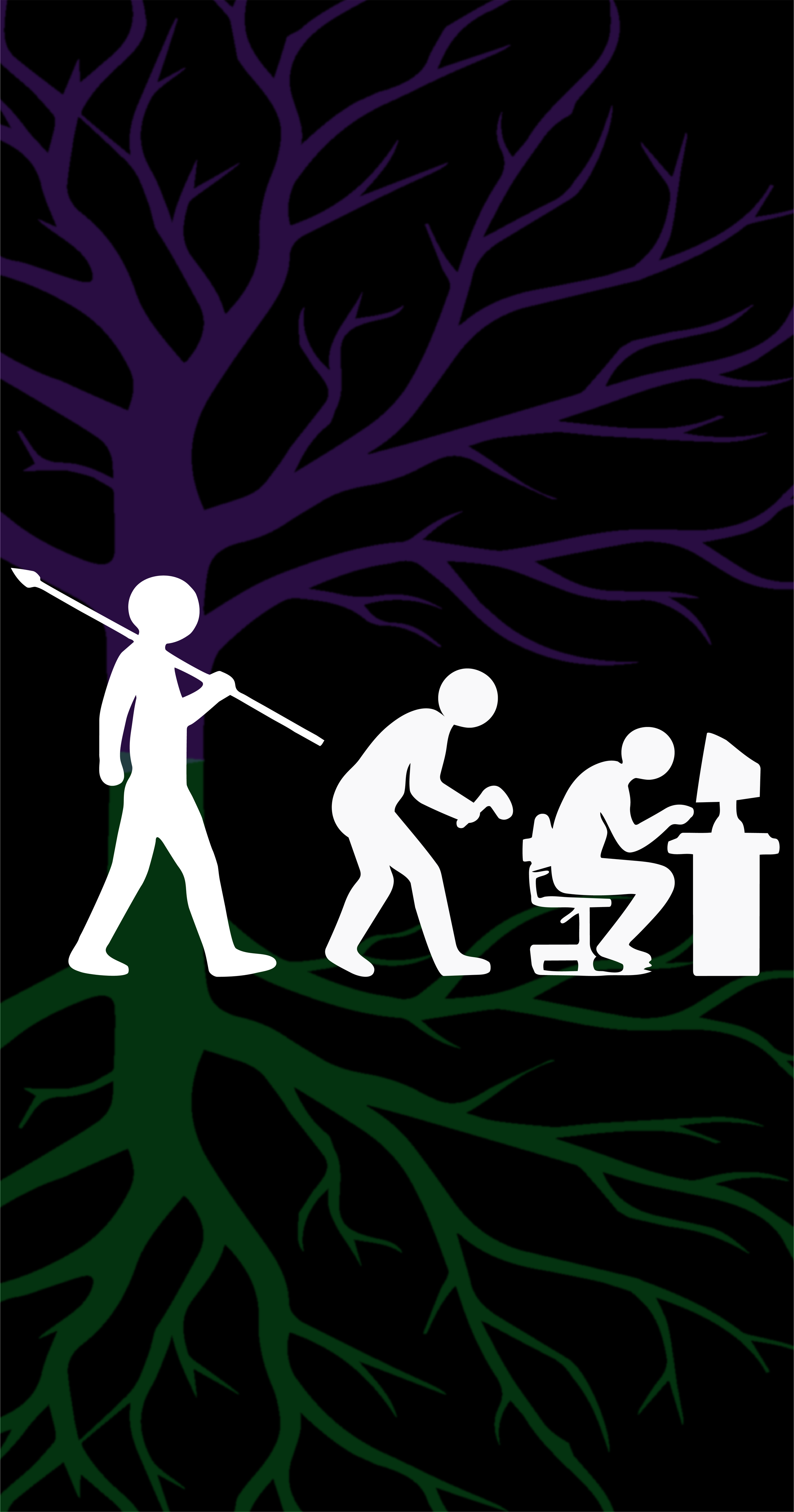
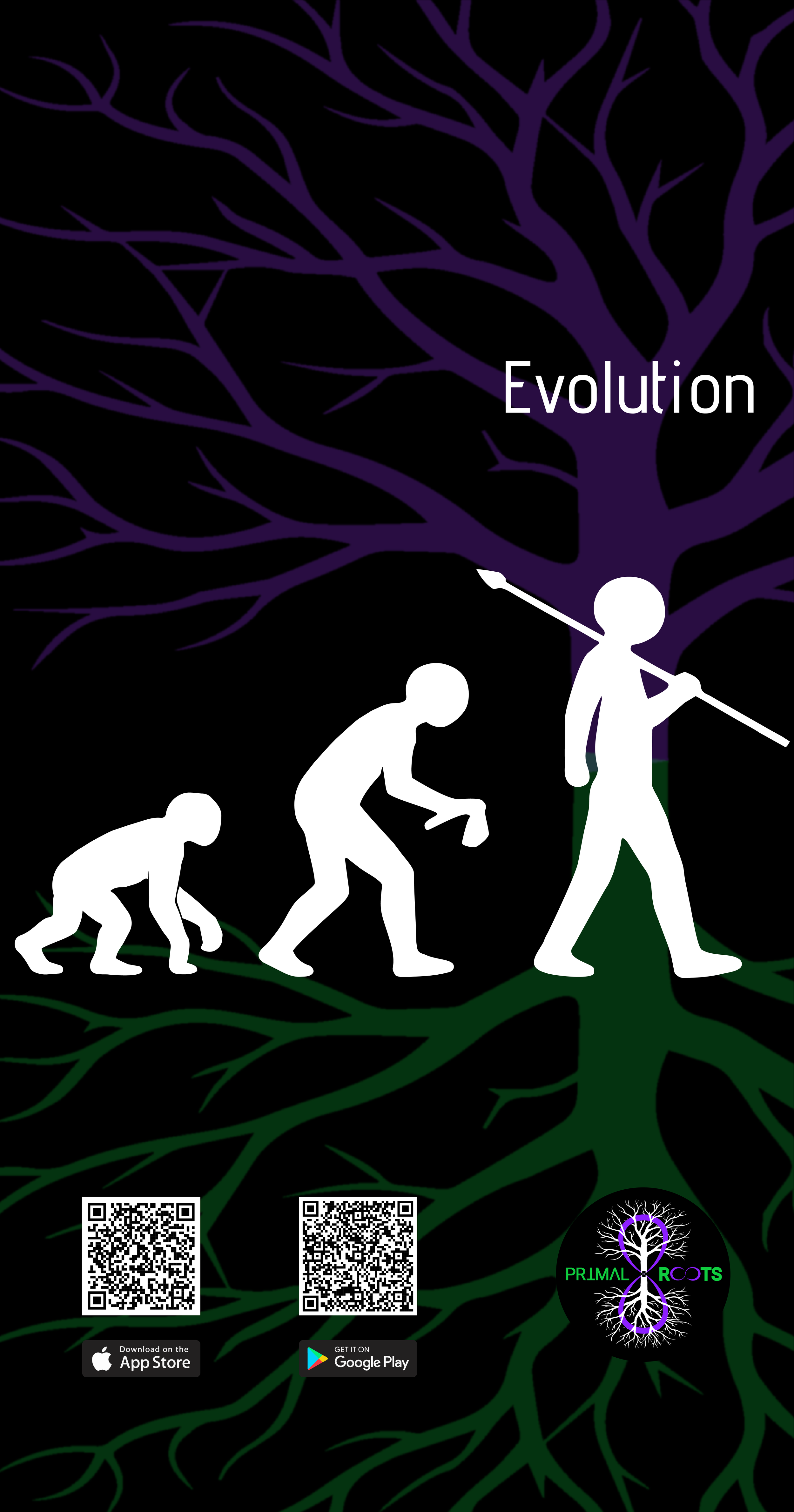
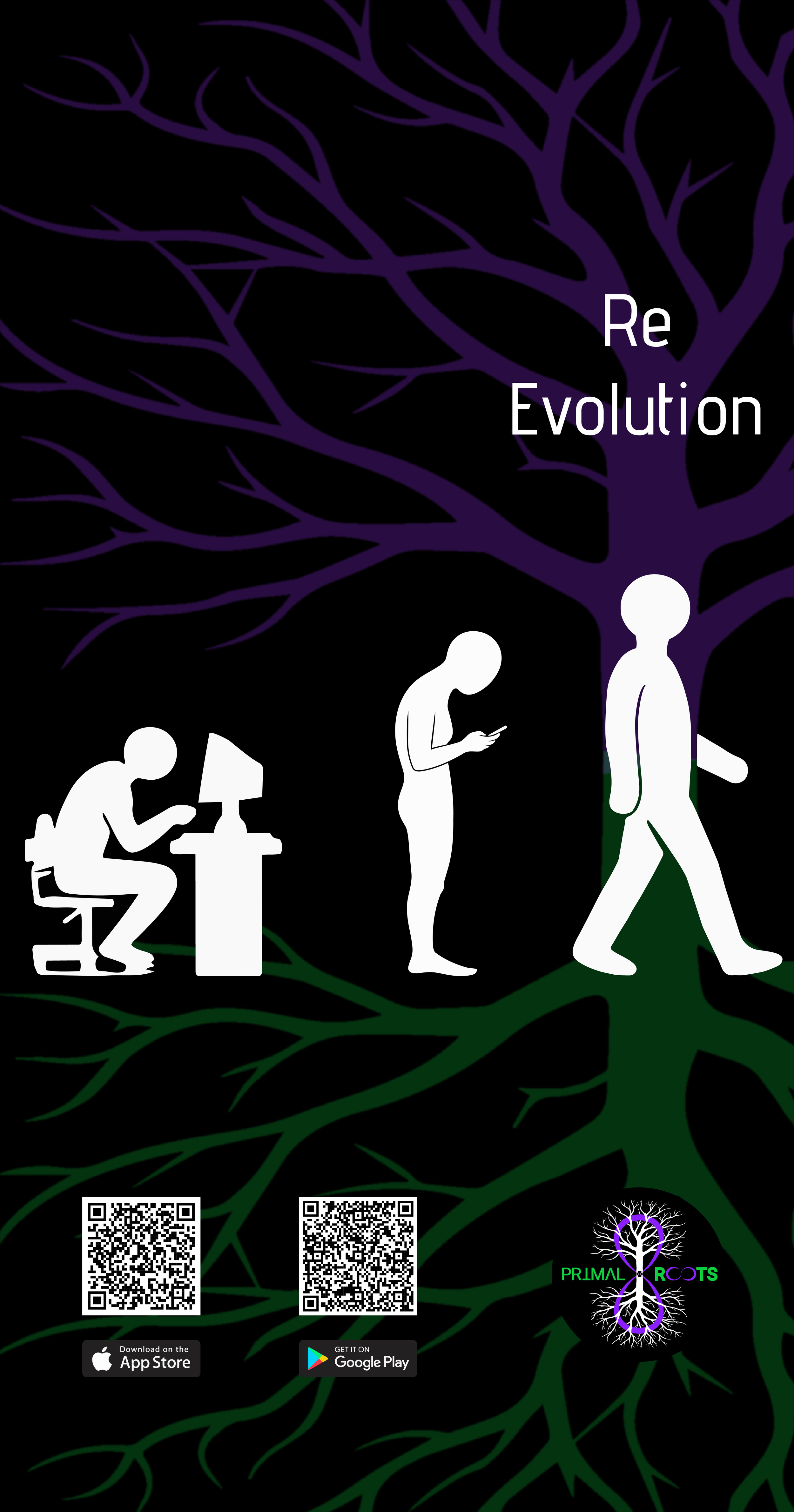
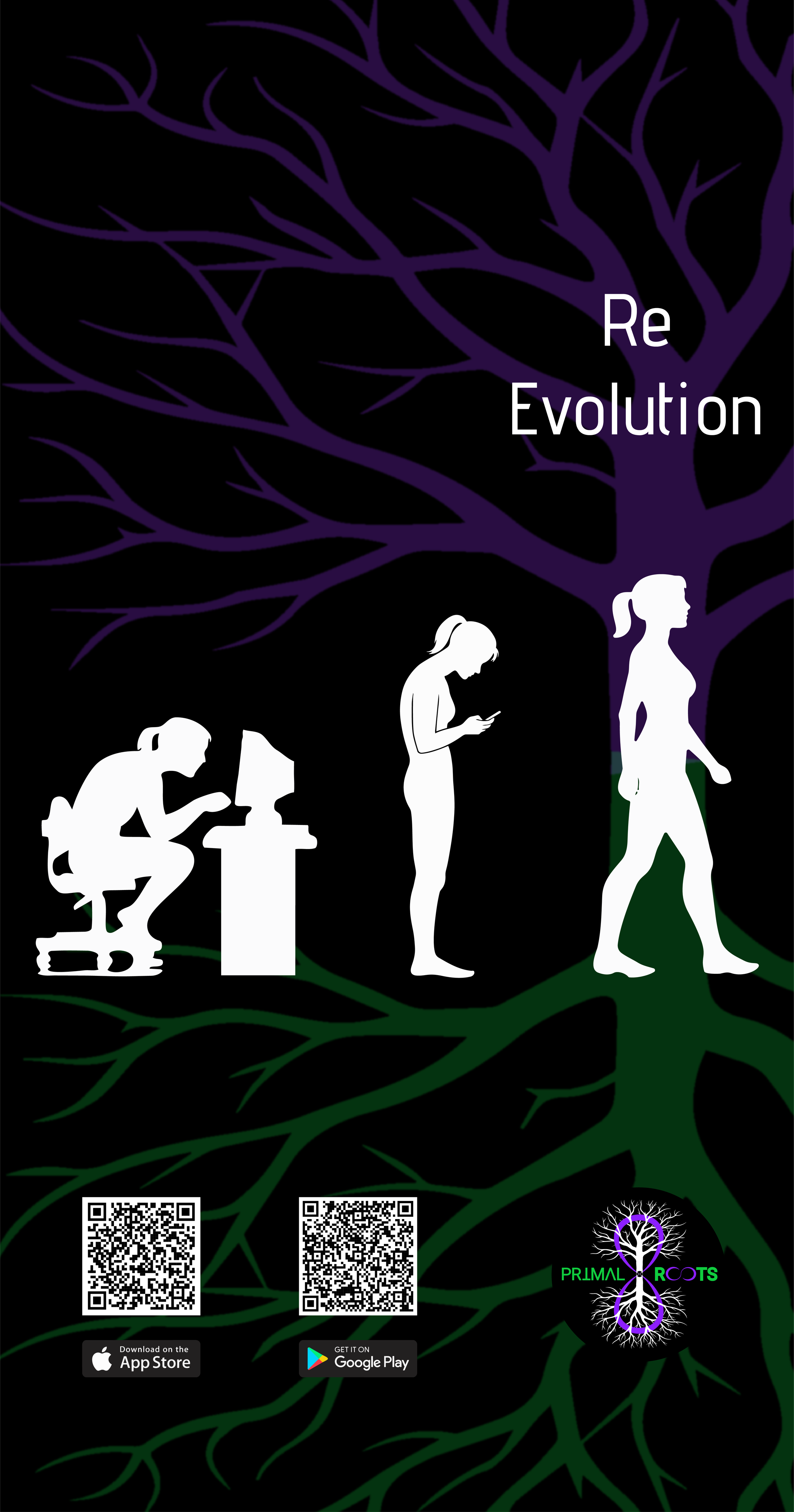
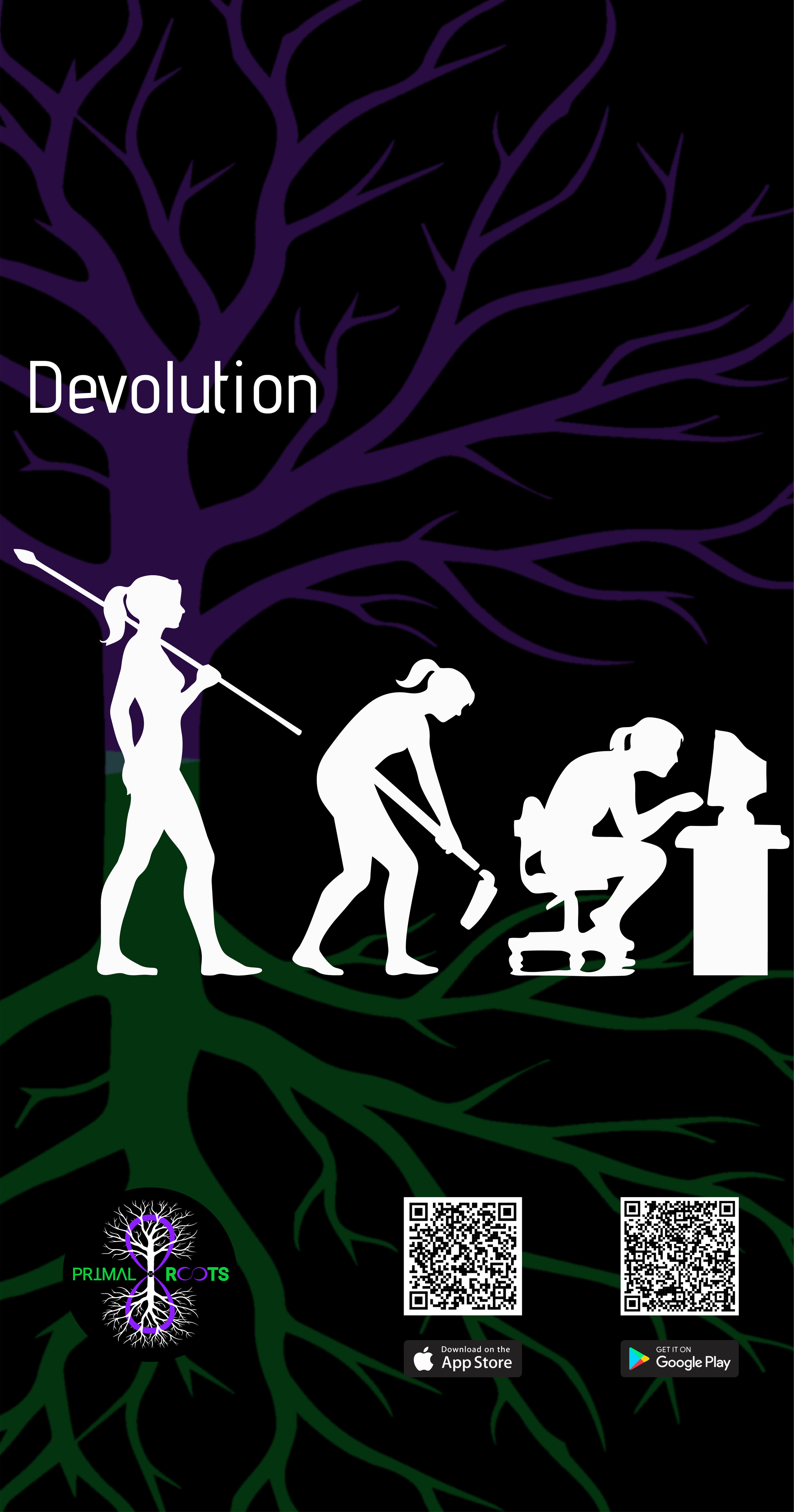
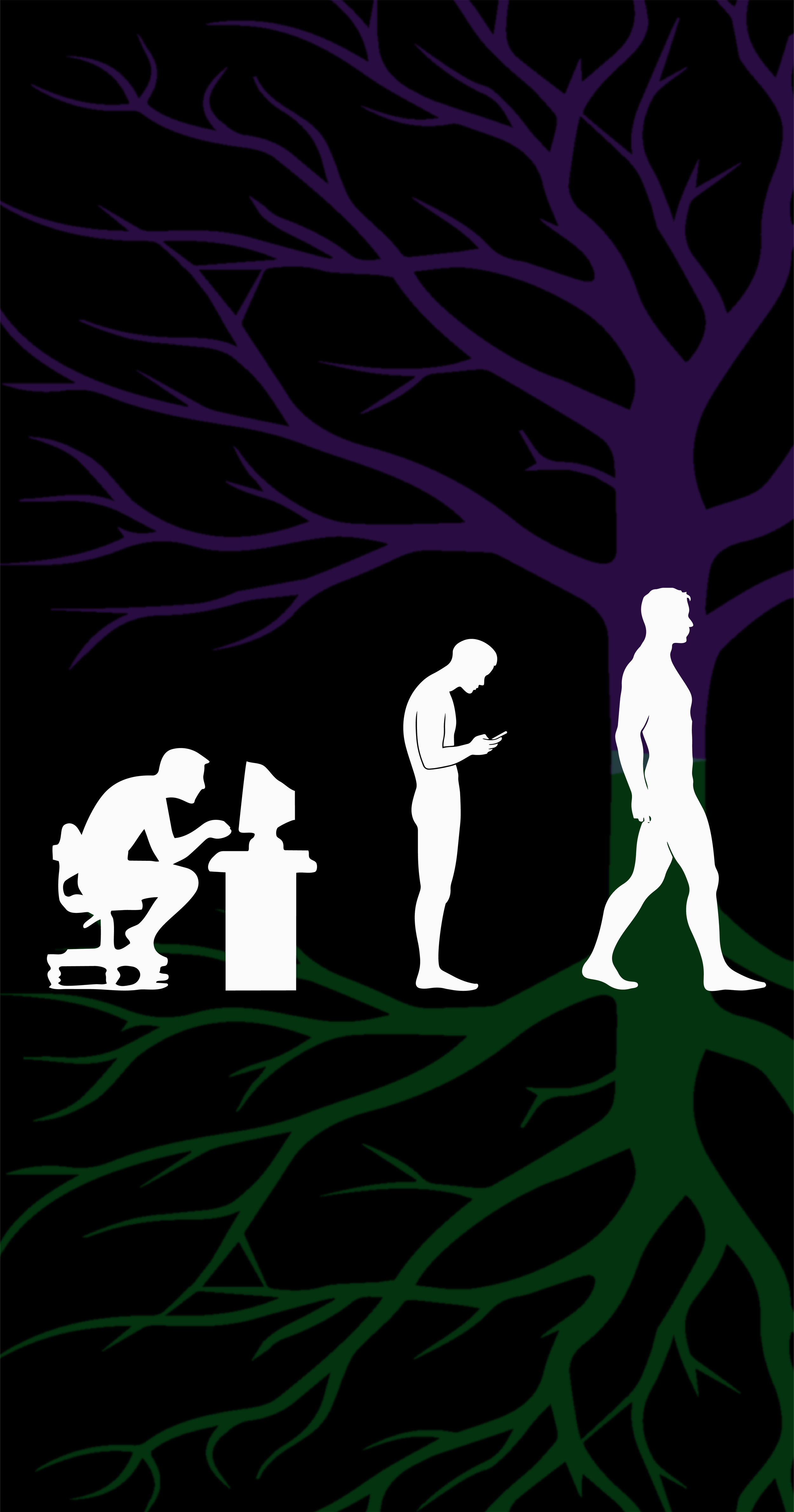
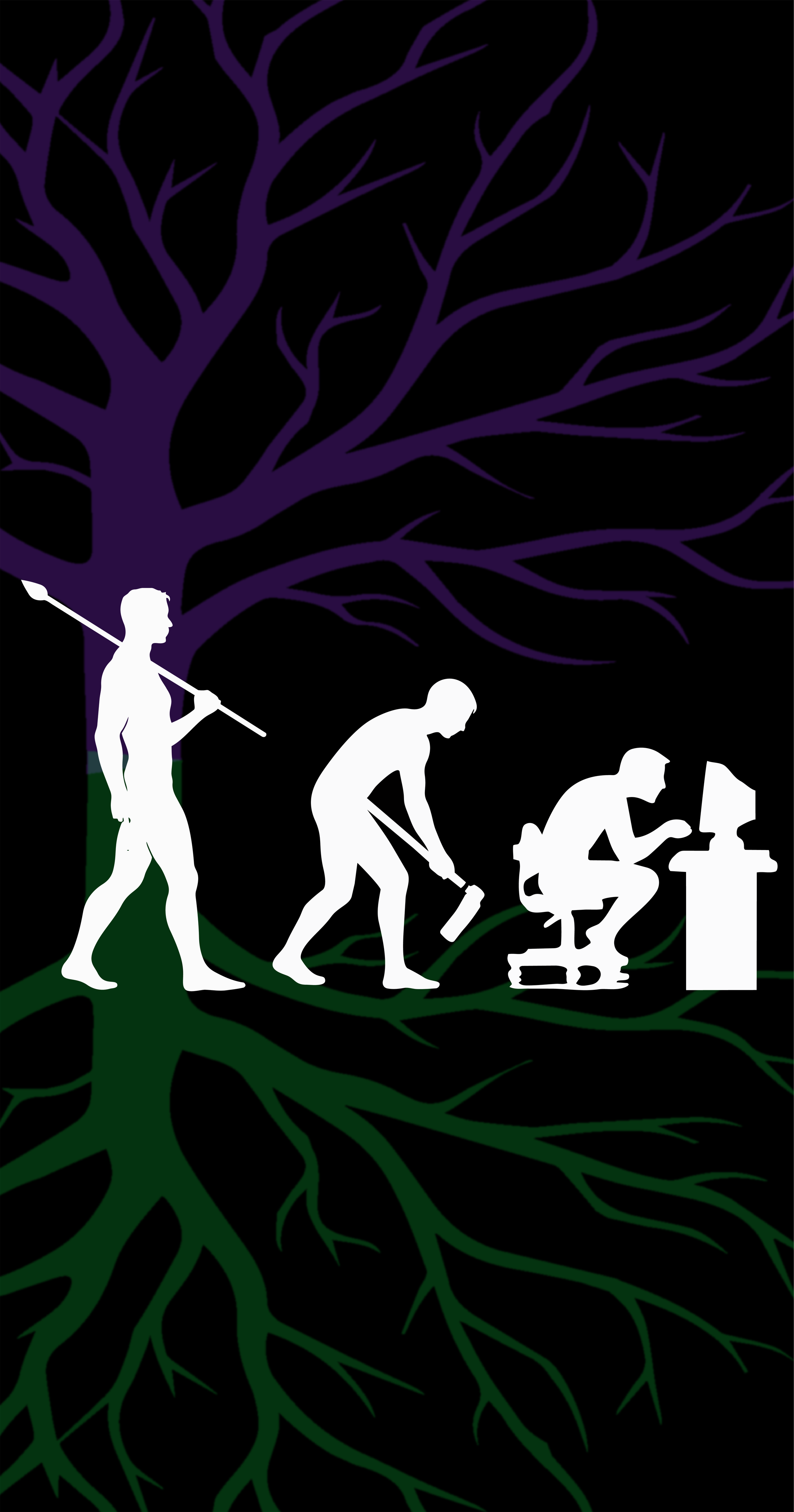
WALLPAPERS
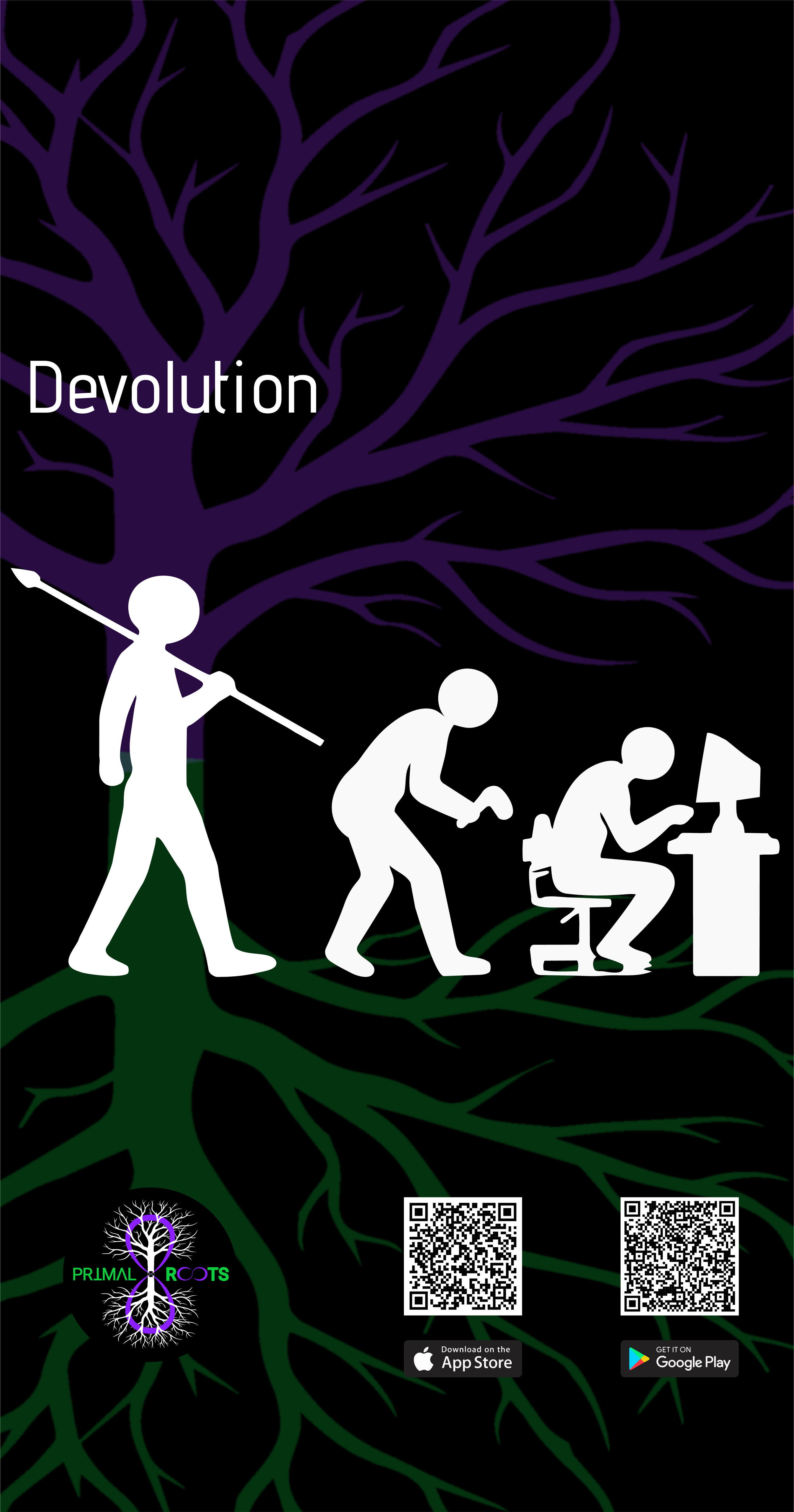
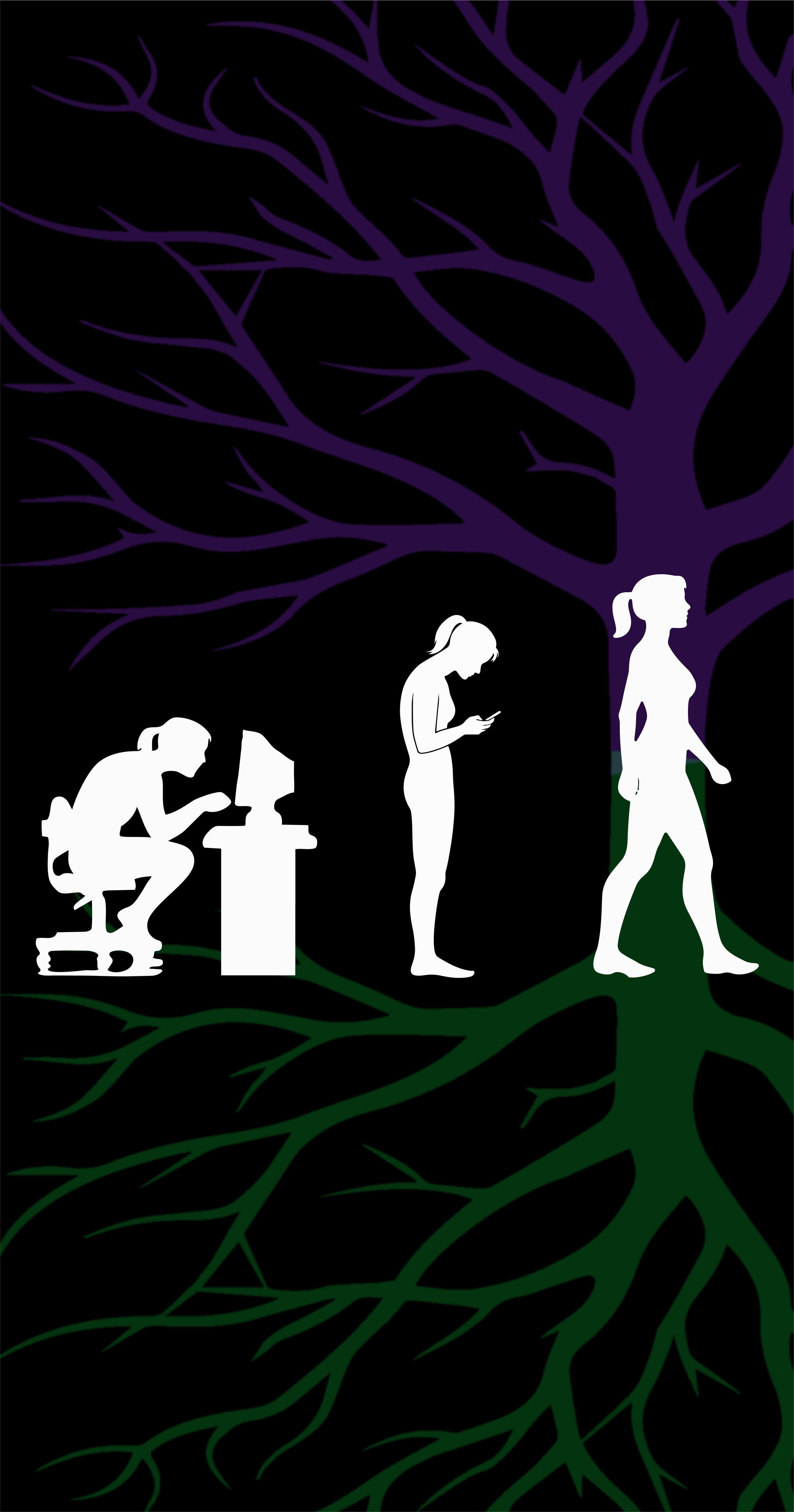
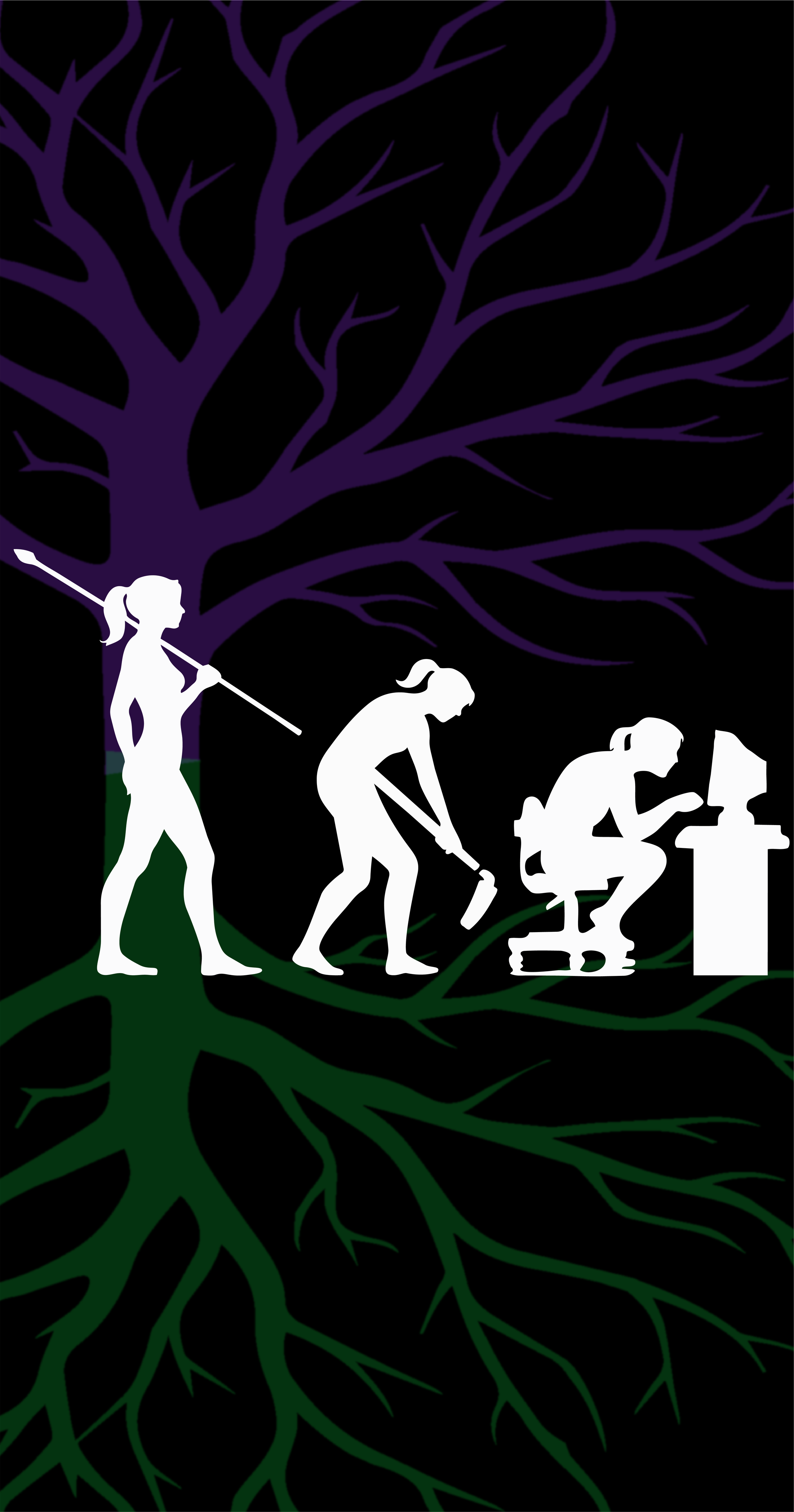
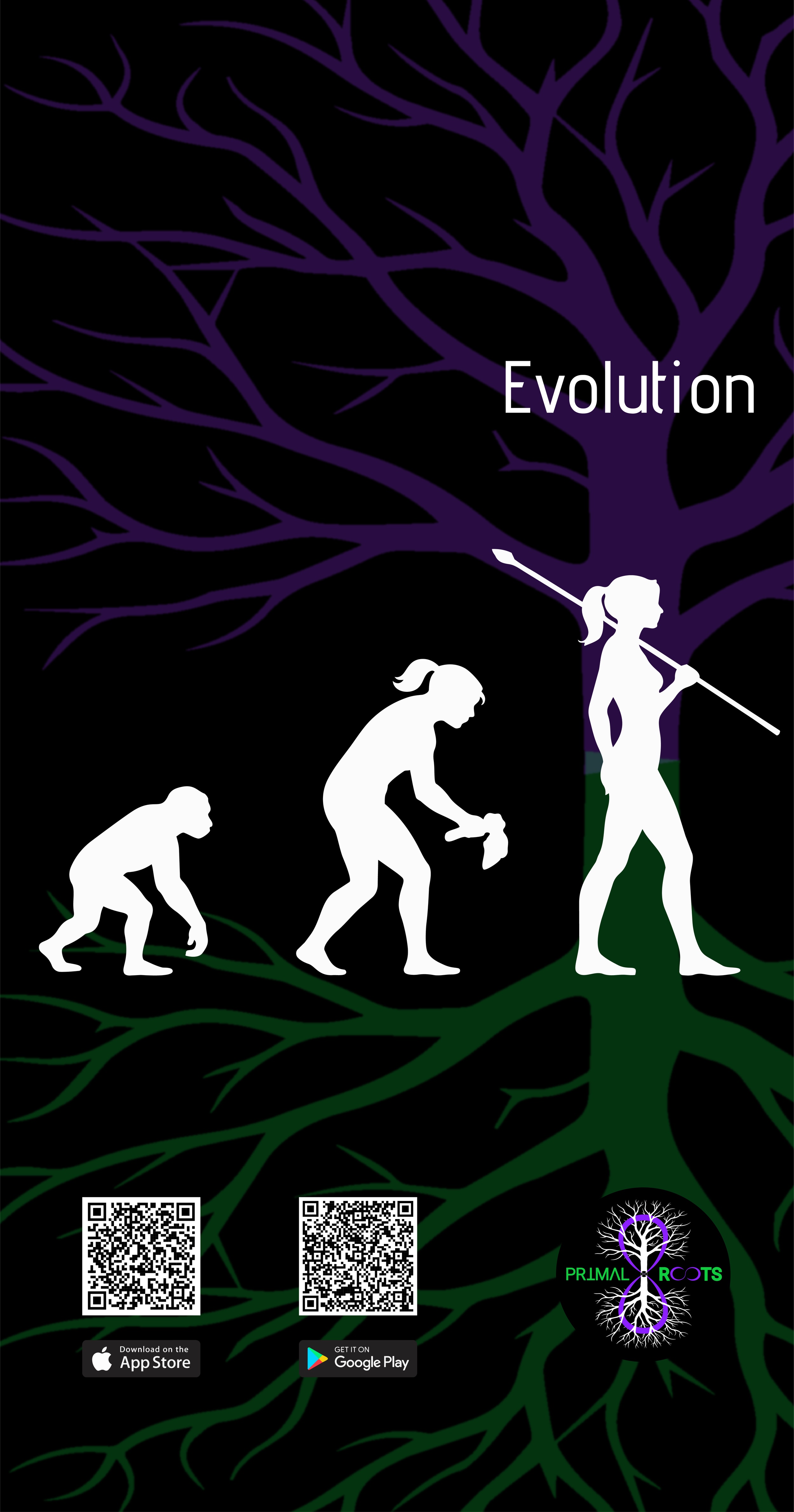
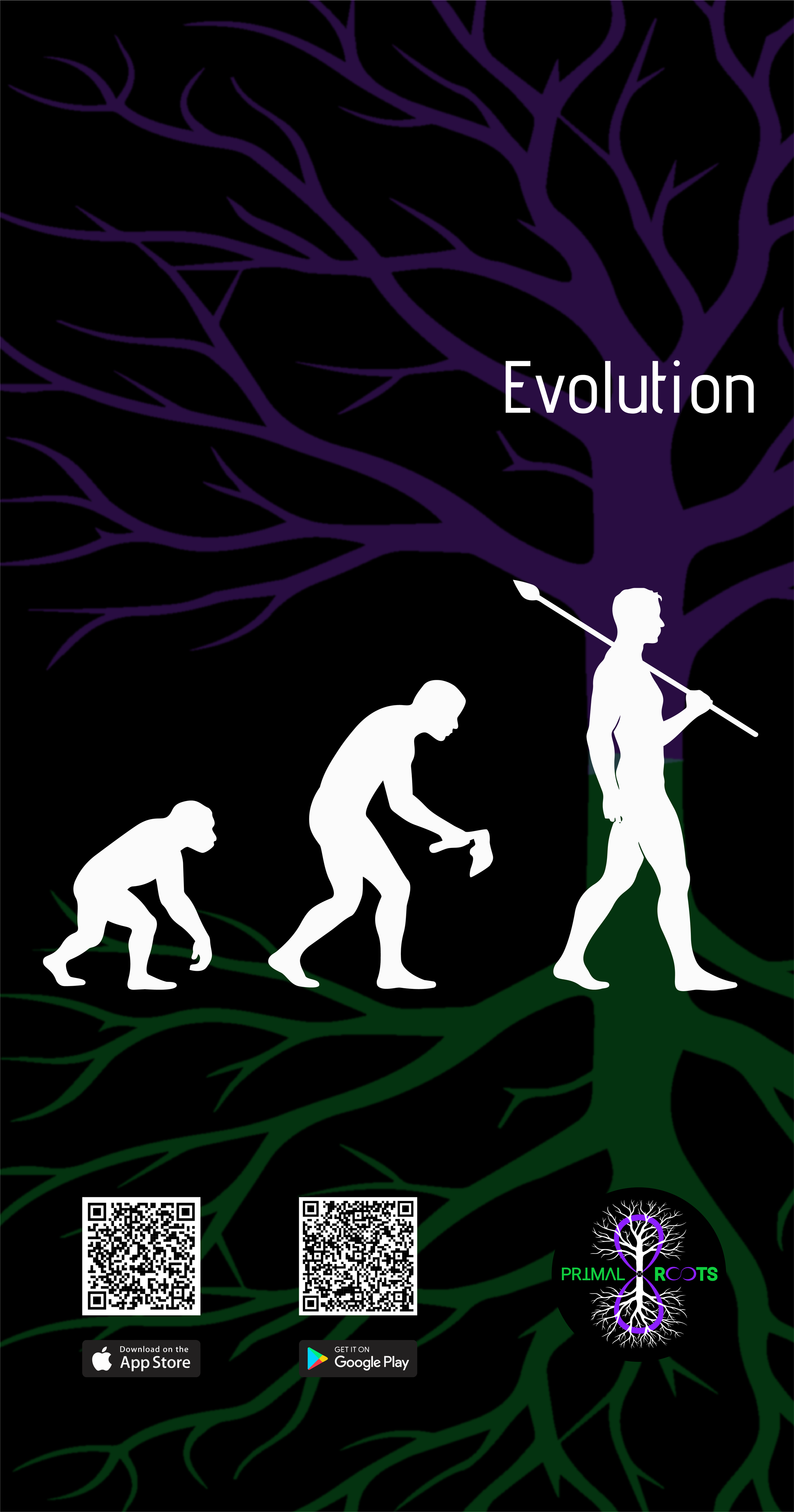
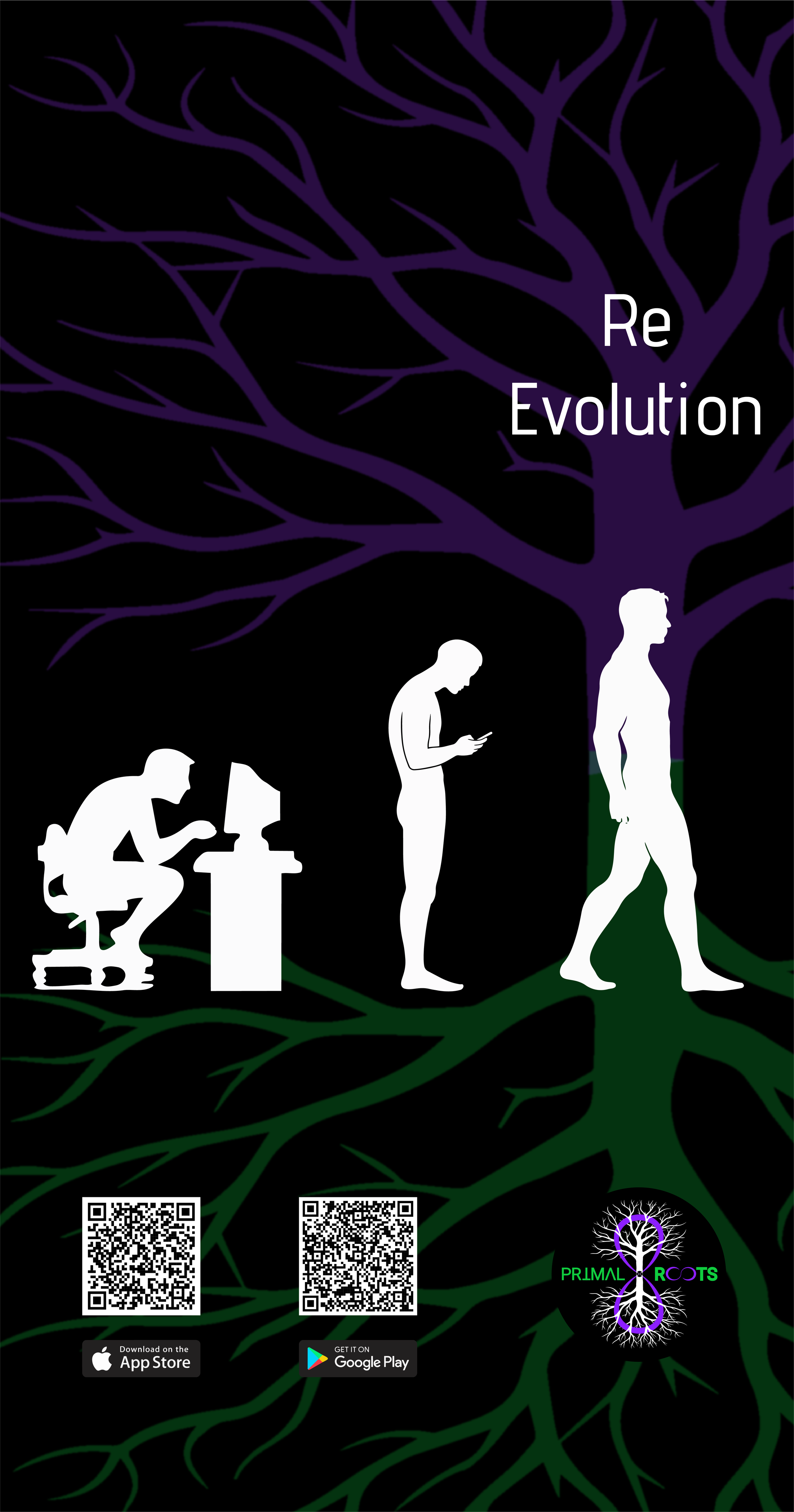
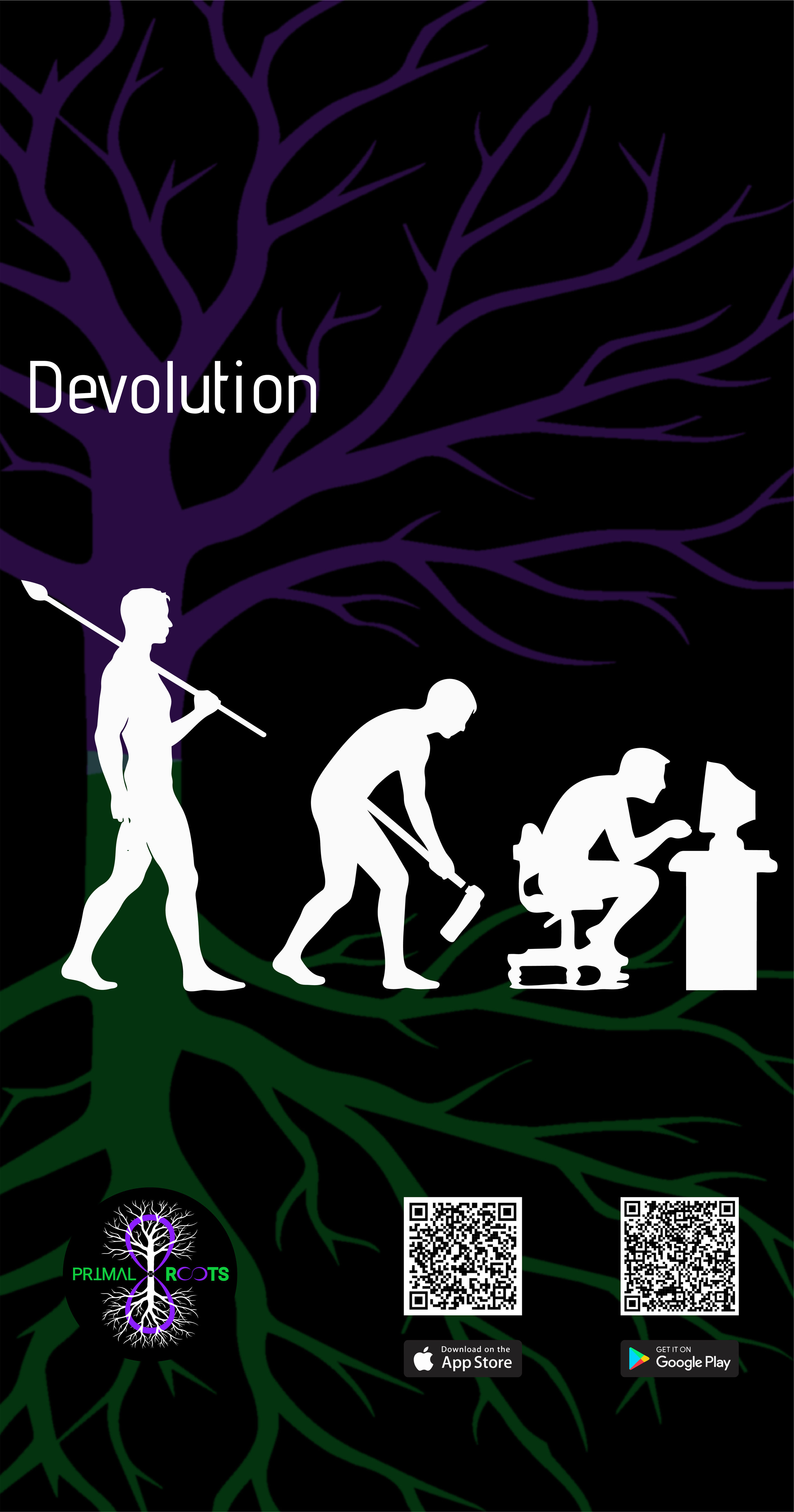
Put these on your screens to remind you to stop slouching.
*Which is one of the main behaviors contributing to unnecessary pain, poor posture, and suffering.
PC / Mac
Click on the desired image to open it in a new tab
Right click on the image in the new tab, select save
On your PC / Mac: right click the image you downloaded, select “Set as desktop background (PC) / picture (Mac)”
Continue Re-Evolving


Android / iPhone
Click on the desired image to open it in a new tab
Hold your finger on the image in the new tab, select save image, select folder destination, save image
On your Android: go to gallery and open the image, in the image settings, select “Set as wallpaper”
On your iPhone: go to settings app, wallpaper, add new wallpaper, tap Photos to choose your own image, adjust to you screen size
Continue Re-Evolving